odoo-shortcuts
XPath Tools
Odoo Shortcuts provides tools for working with XPath in Odoo XML files.
🎯 Get Current XPath
Gets the XPath path of the current XML element.
Command: Odoo Shortcuts: Get XPath
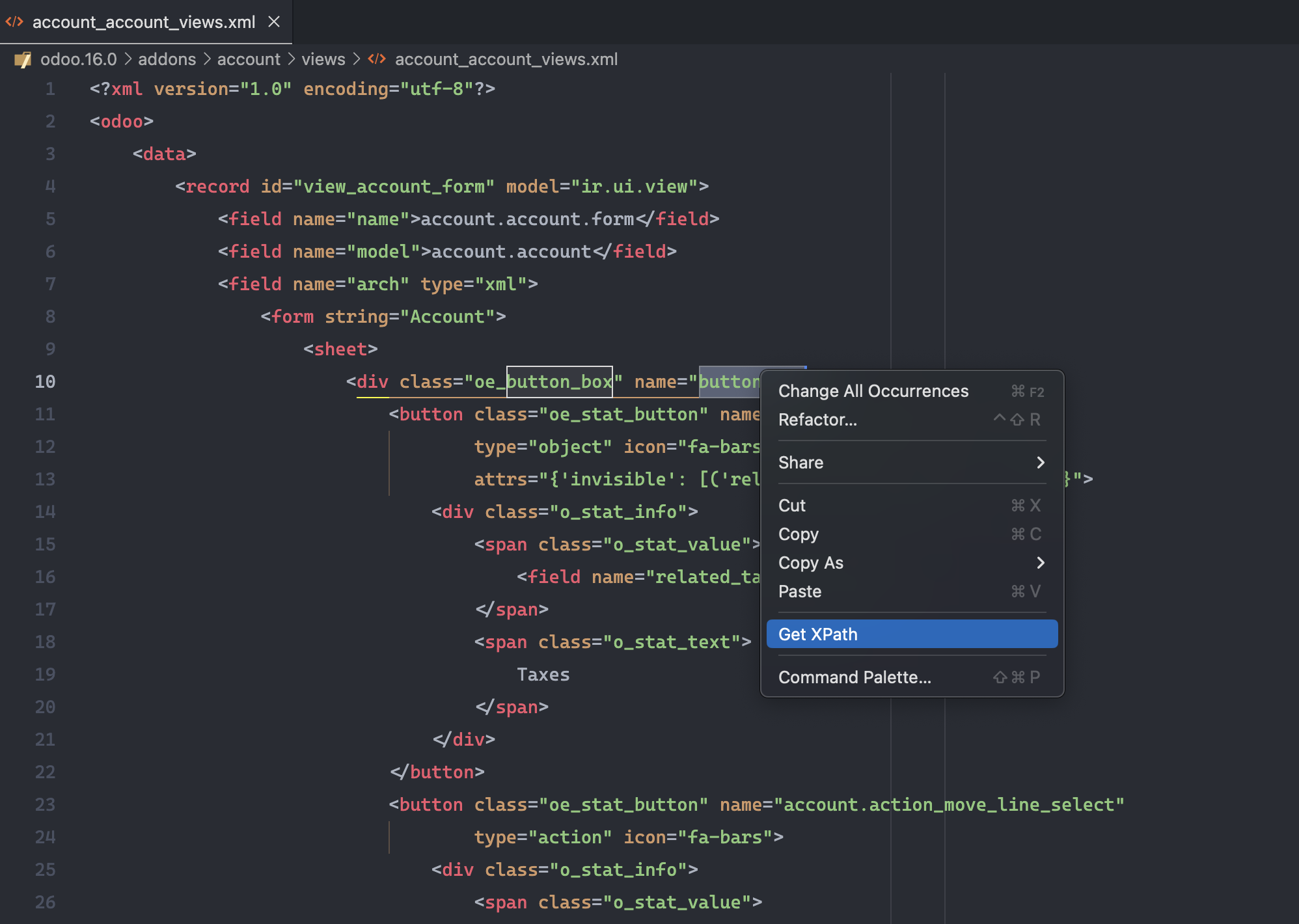
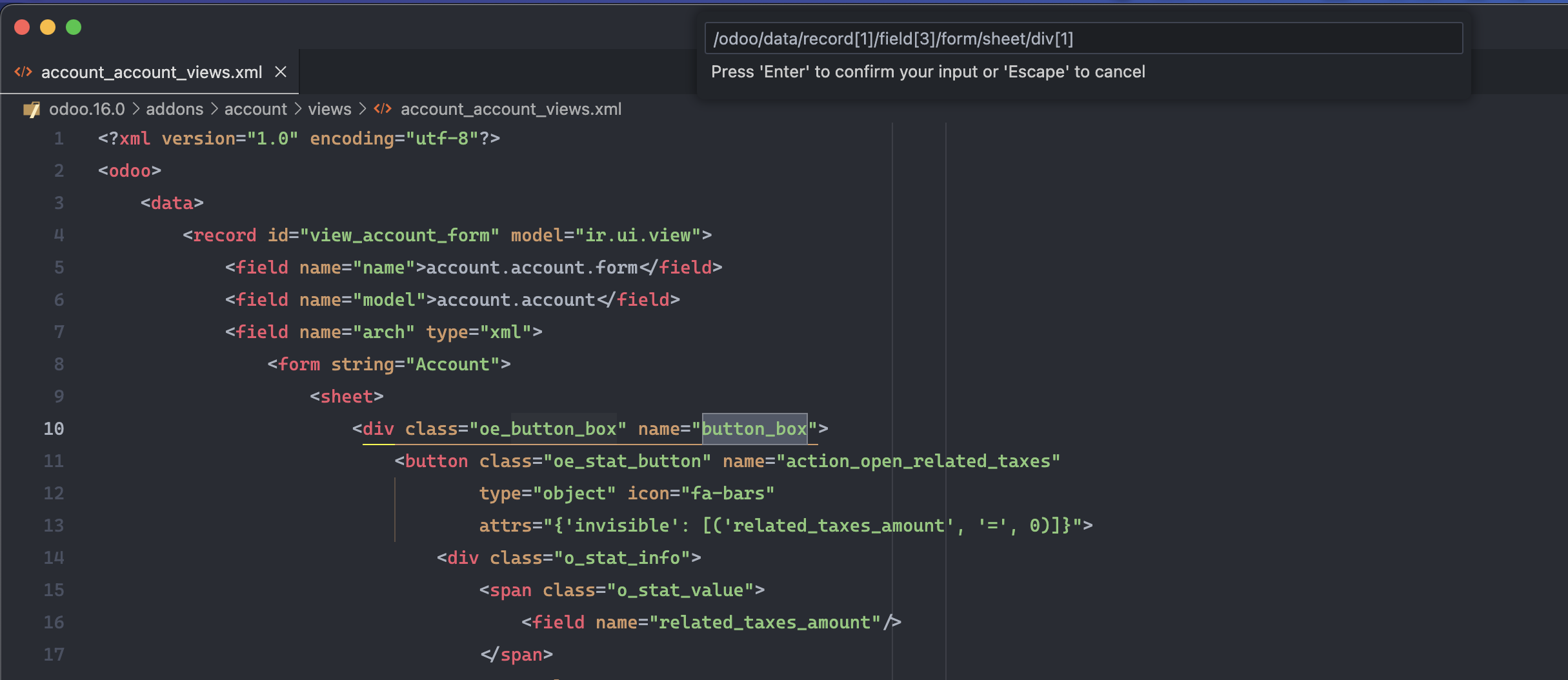
Usage:
- Place cursor on an XML element
- Execute command
- XPath is copied to clipboard
Example:
<record id="view_form" model="ir.ui.view">
    <field name="arch" type="xml">
        <form>
            <group>     <!-- ← Cursor here -->
                <field name="name"/>
            </group>
        </form>
    </field>
</record>
Result:
//form/group
🔍 Evaluate XPath
Evaluates an XPath expression in the current document.
Command: Odoo Shortcuts: Evaluate XPath
Features:
- Validates XPath syntax
- Shows matching results
- Navigate to found elements
💡 Usage Tips
1. Creating Inherited Views
<!-- Copy XPath from element to extend -->
<xpath expr="//field[@name='name']" position="after">
    <field name="new_field"/>
</xpath>
2. Debugging
When an inherited view doesn’t work:
- Use “Get XPath” to get exact path
- Verify XPath is correct
- Adjust as necessary
3. Complex Selections
<!-- Select specific field within a group -->
//group[@string='General']/field[@name='name']

<!-- Select by multiple attributes -->
//field[@name='partner_id' and @widget='many2one']
🐛 Troubleshooting
XPath doesn’t find elements
- Verify XML structure
- Check namespaces if any
- Use
//*to search by attributes regardless of tag
Invalid XPath
The command validates syntax and shows specific errors if the expression is invalid.
Next: XML Formatter